

How to Use XLOOKUP in Excel: Practical Step-by-Step Guide
XLOOKUP in Excel in one formula: look up values left or right, replace #N/A with if_not_found, search in reverse, and match with wildcards.

XLOOKUP in Excel in one formula: look up values left or right, replace #N/A with if_not_found, search in reverse, and match with wildcards.
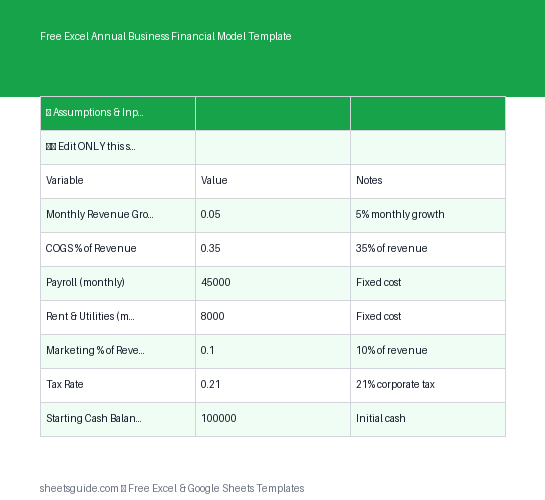
Download a free Excel template for annual business financial modeling with automated P&L, cash flow insights, and monthly projections.

The Excel keyboard shortcuts worth memorizing — navigation, selection, formatting, and formulas — grouped by job, with a one-week plan to make them stick.
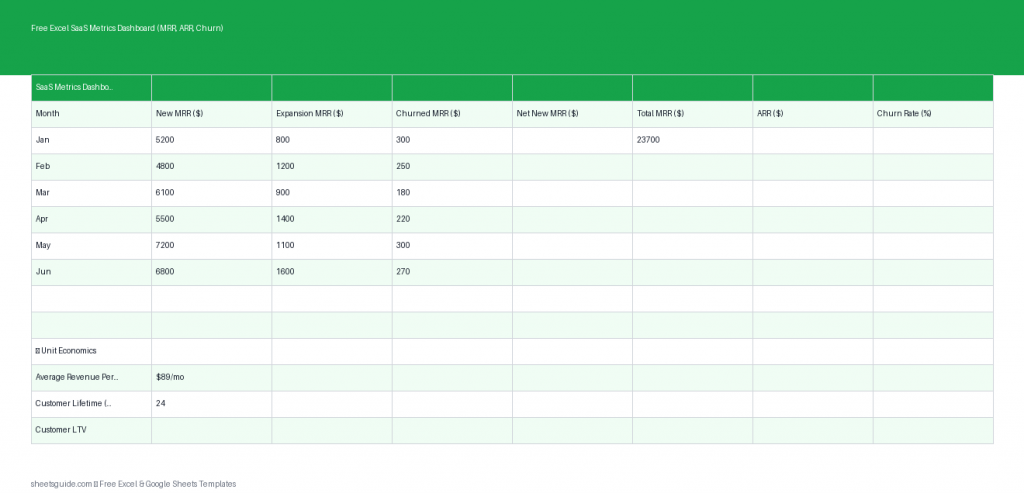
Download a free Excel template to track SaaS metrics like MRR, ARR, churn, LTV, and CAC with automated monthly calculations.

Learn how to use Google Sheets data validation with practical examples. Control inputs, create dropdown lists, and reduce spreadsheet errors.
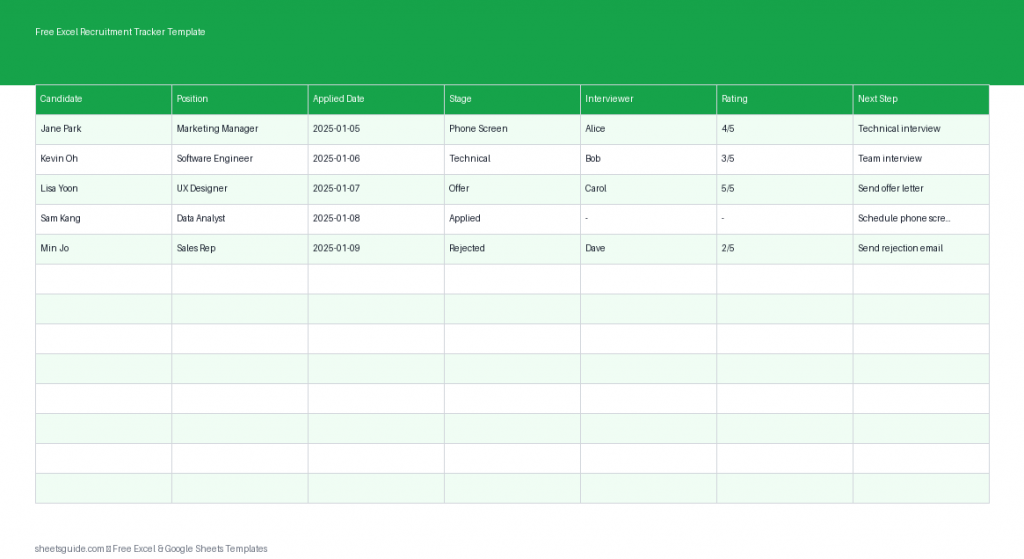
Download a free Excel template to track job applicants, interview stages, ratings, and hiring decisions. Works in Excel and Google Sheets.
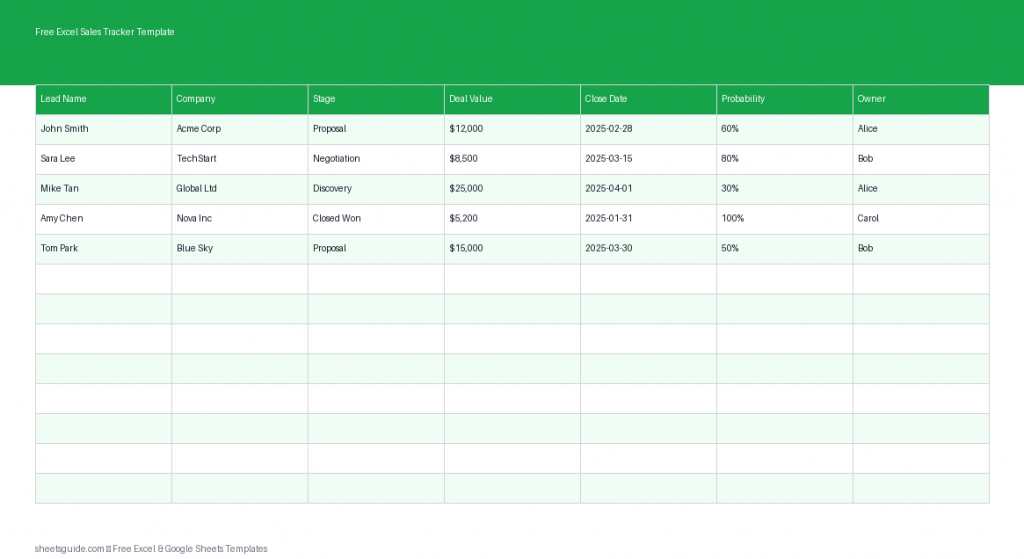
Download a free Excel sales tracker template to manage leads, deals, and revenue in a simple pipeline that also works in Google Sheets.

Build a real-time KPI dashboard in Google Sheets: separate data, calculations, and display tabs, summarize with QUERY, and show KPIs in scorecard charts.
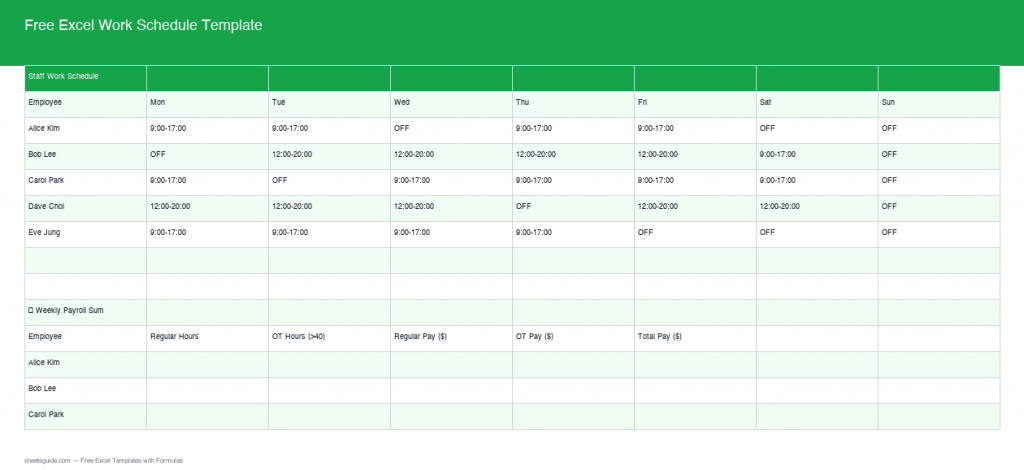
Streamline shifts and payroll with our Excel template featuring built-in formulas, weekly schedules, and payroll calculations.

SUMIFS vs COUNTIFS in Excel: SUMIFS totals values that match conditions, COUNTIFS counts matching rows. Syntax, multi-criteria, dates, and wildcards.
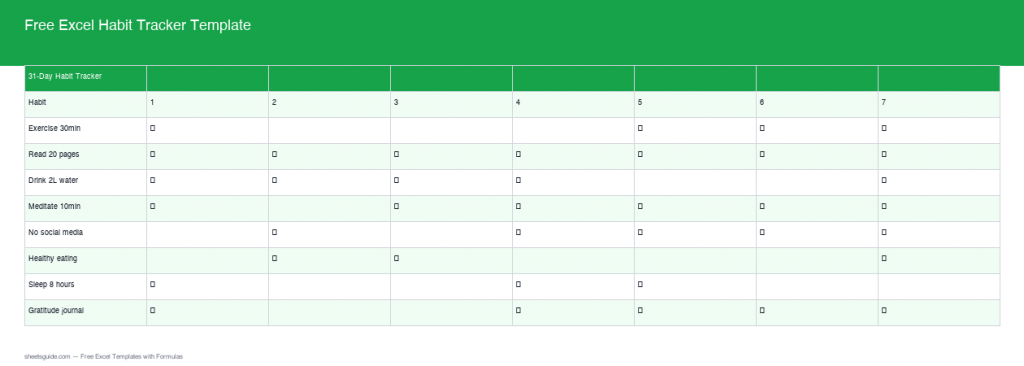
Download our Free Excel Habit Tracker Template with real formulas for automated tracking and analysis. Stay motivated and achieve your goals!

Build a Gantt chart in Google Sheets from a stacked bar chart — set up task data, calculate durations, and hide the start bars to reveal the timeline.