
Google Sheets slicers vs filter views: when to use each
Google Sheets slicers vs filter views: which one filters your dashboard, which one saves a personal slice, and how to combine them on a shared sheet. Read on.
Google Sheets slicers vs filter views: which one filters your dashboard, which one saves a personal slice, and how to combine them on a shared sheet. Read on.

Change Google Sheets date format by locale, then fix the cells that stay stuck as text — with DATEVALUE, custom formats, and one QUERY trick.
Google Sheets IFERROR wraps a formula and swaps errors for a fallback — but it hides real bugs. Learn when to use IFERROR vs IFNA, and when not to.
Master Google Sheets SPARKLINE to build inline mini charts inside a single cell. Options by chart type, common errors, and when to switch to a full chart.
Google Sheets FILTER with multiple conditions: AND, OR, REGEXMATCH partial match, dropdown-driven criteria, and the empty-result fix. See the patterns.
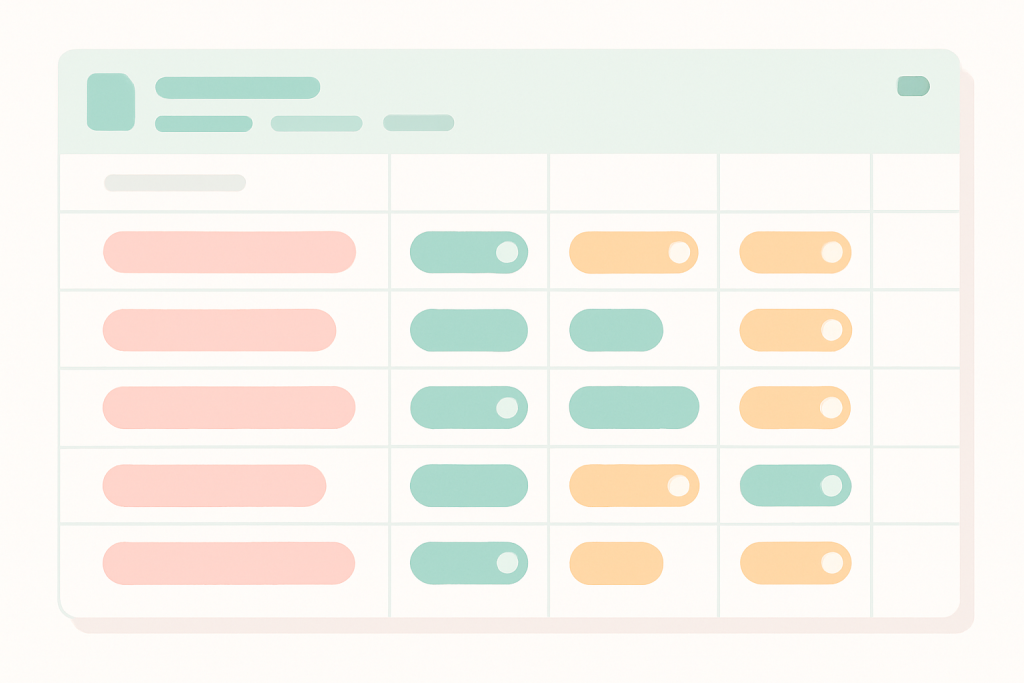
Google Sheets dropdown chips replace plain validation lists with colored pills. Add them, color the values, convert a whole column, then read on.

Build arrays inline with curly braces in Google Sheets — stack ranges, fix locale errors, feed FILTER or QUERY. Read the patterns that save real time.
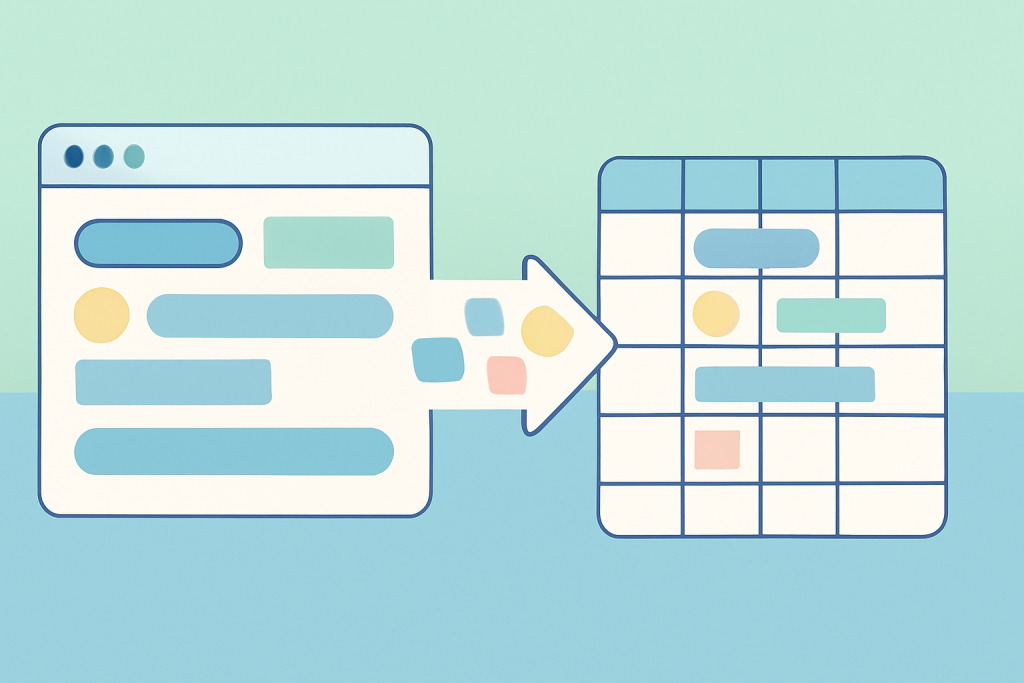
IMPORTHTML in Google Sheets pulls a table or list straight from a URL. See the syntax, the index trick, QUERY slicing, and why some pages just won’t load.
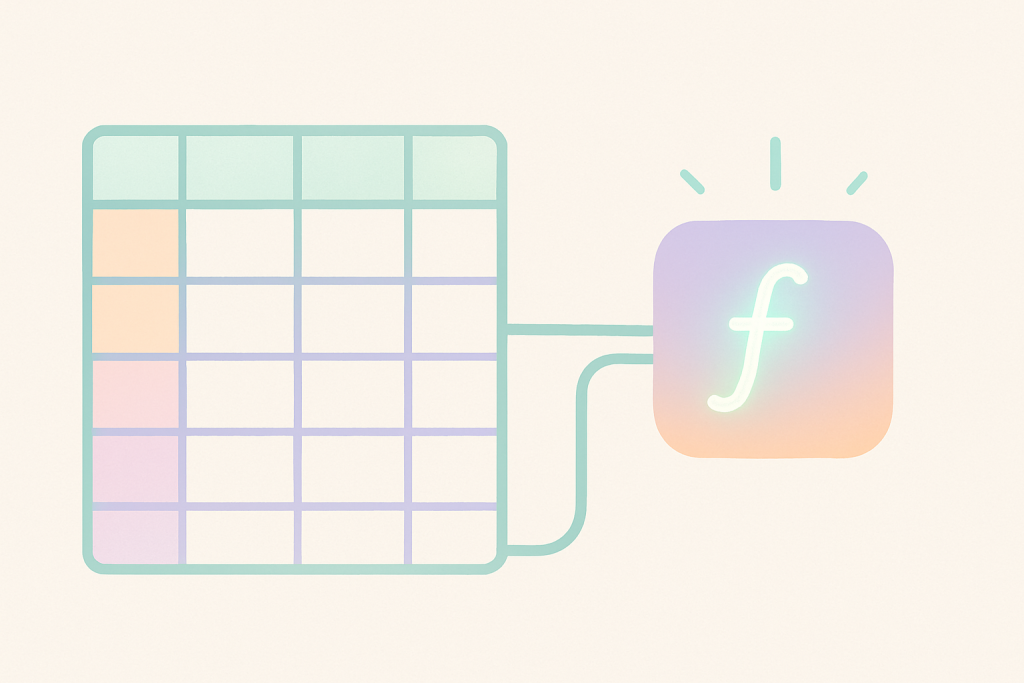
Google Sheets named functions wrap long formulas behind one call. Build, debug, import, and know when a helper column wins instead. Read on.
REGEXREPLACE in Google Sheets fixes messy text in bulk — strip junk, reformat dates, standardize phones. Patterns, ARRAYFORMULA, RE2 gotchas inside.
Use GOOGLEFINANCE in Google Sheets to pull live stock prices, currency rates, and historical data, with the attributes and fixes that matter. Read on.

Power-user Google Sheets productivity — let ARRAYFORMULA fill whole columns, QUERY and FILTER replace manual work, named ranges make formulas readable, plus paste-special and template habits.