

Excel BYROW and BYCOL function: skip helper columns
Excel BYROW and BYCOL turn a range into one summary per row or column, so the helper column and fill-down disappear. Here’s how to use them well.
Excel BYROW and BYCOL turn a range into one summary per row or column, so the helper column and fill-down disappear. Here’s how to use them well.

Excel SORT and SORTBY spill sorted results as formulas, so lists stay current when data changes. See when to pick each and how to sort custom orders.

CHOOSECOLS and CHOOSEROWS reshape Excel data in one formula — pick any columns or rows in any order. See where they beat INDEX and where they break.

Excel regex functions REGEXTEST, REGEXEXTRACT, and REGEXREPLACE finally bring PCRE2 patterns to Microsoft 365. Learn the syntax, use cases, and traps.

Use INDEX with two XMATCH calls to look up by row and column simultaneously. See header traps, structured refs, and older-Excel fallbacks inside.

Excel FILTER function with multiple criteria — use * for AND, + for OR, and combine them cleanly. Handle #CALC!, chain SORT and UNIQUE. Read on.
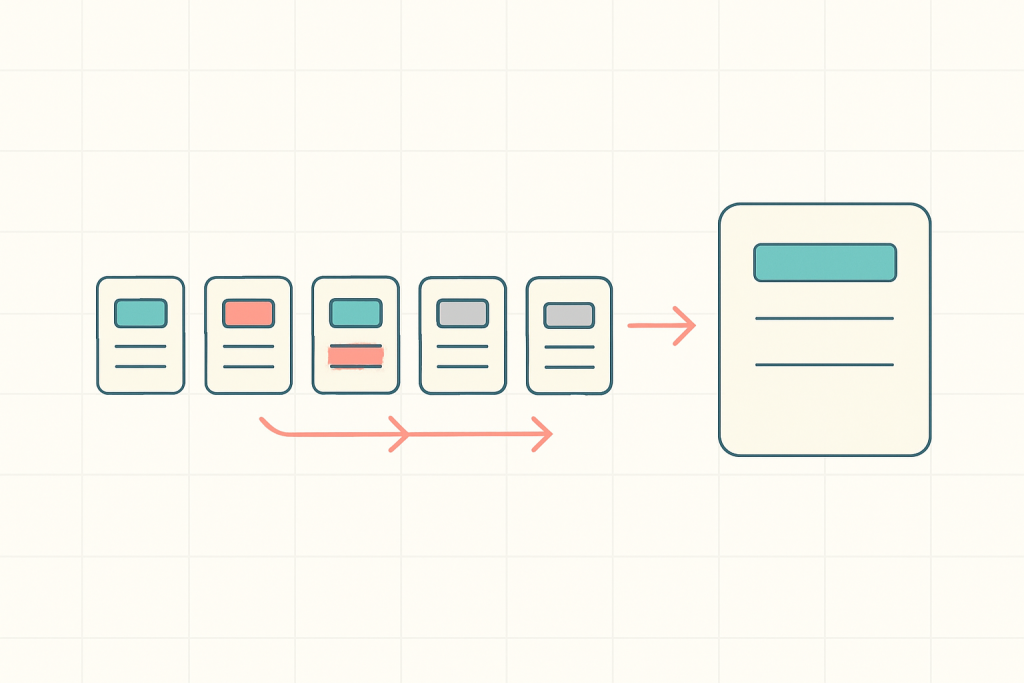
Excel SWITCH function replaces messy nested IF formulas with a clean value-result mapping. Walk through the migration and when to use IFS instead.

Extract text before or after any delimiter in Excel using TEXTBEFORE and TEXTAFTER — plus safe patterns for emails, URLs, and messy log data.

VSTACK and HSTACK combine ranges in Excel without copy-paste. See how to consolidate sheets, dodge #N/A padding, and chain UNIQUE — read on.

Excel LAMBDA turns a duplicated formula into a named function you can call from anywhere. Learn the syntax, the traps, and how to save one — read on.

Excel #SPILL! error in a dynamic array formula? Here are the six causes and the exact fix for each, from blocked cells to full-column lookups.

Excel GROUPBY turns a pivot table into a single formula that updates with the source. See when to use it, the eight arguments, and common errors.