

How to Automate Your Reporting with Excel Macros: A Complete Walkthrough
Build an Excel macro that automates a monthly report end to end — format, export to a dated PDF, email it, and run the whole pipeline from one button (or on a schedule).
Build an Excel macro that automates a monthly report end to end — format, export to a dated PDF, email it, and run the whole pipeline from one button (or on a schedule).

Protect spreadsheet data in Excel and Google Sheets — control access first, lock cells and protect sheets/ranges, encrypt files, hide formulas, and the security habits that matter most.

Speed up Excel data entry with the hidden Data Form — enable it on the Quick Access Toolbar, add and find records one at a time, and pair it with a Table and validation.
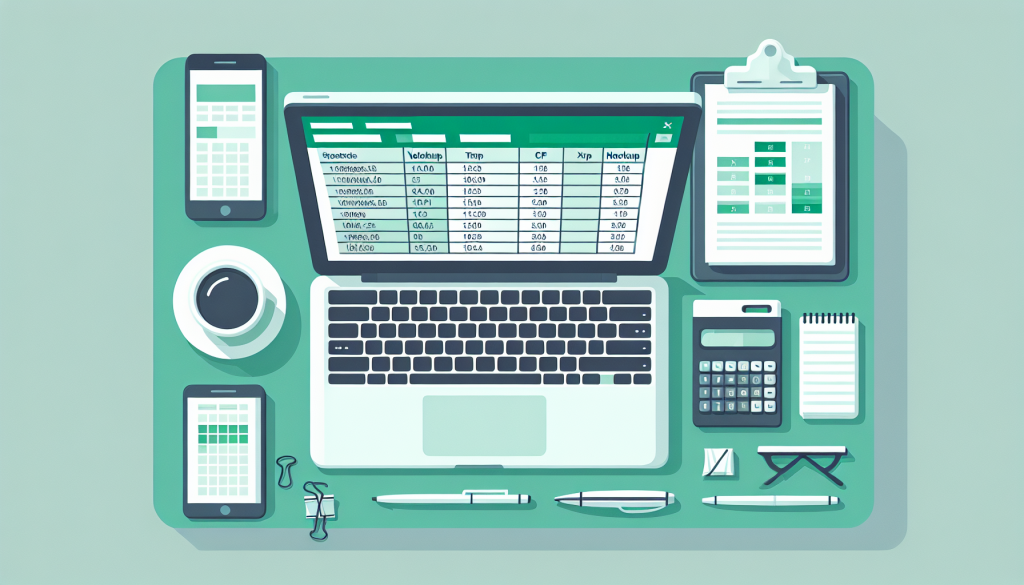
Real-world VLOOKUP and HLOOKUP — merge two tables, look up sideways data, do a two-way row-and-column lookup with INDEX/MATCH, classify with approximate match, and which to use when.

Decode and fix Excel errors — what #REF!, #VALUE!, #N/A, #DIV/0!, #NAME?, and #SPILL! each mean, the fastest fix for each, and the auditing tools that trace them to the source.

The five Excel keyboard shortcuts that genuinely save hours — Ctrl+Shift+Arrow, Ctrl+1, F4, Ctrl+T, and Alt+= — each explained with the slow chore it replaces.

Conditional formatting in Excel — built-in rules, data bars, color scales and icon sets, custom-formula rules, whole-row highlights, and managing rule order without the rainbow.

A reliable Excel data-analysis workflow — frame the question, clean and structure the data, explore with a pivot, pick the right tool, and verify before you trust the result.
Excel’s modern dynamic-array functions explained — spill, FILTER, SORT, UNIQUE, SEQUENCE, LET and LAMBDA — where one formula fills a whole range and updates itself live.

Turn pivot tables into interactive dashboards — PivotCharts, slicers, and timelines, with one slicer driving every chart via Report Connections, plus drill-through and refresh.

Five Excel templates that run a small project without dedicated software — a task tracker, Gantt timeline, budget, status dashboard, and risk log, with build guides for each.
The dozen Excel formulas that cover 90% of real work — SUM, IF, SUMIF, VLOOKUP and XLOOKUP, text and date functions, plus absolute references and IFERROR.