

Excel SORT and SORTBY: dynamic sorting for real data
Excel SORT and SORTBY spill sorted results as formulas, so lists stay current when data changes. See when to pick each and how to sort custom orders.
Excel SORT and SORTBY spill sorted results as formulas, so lists stay current when data changes. See when to pick each and how to sort custom orders.

CHOOSECOLS and CHOOSEROWS reshape Excel data in one formula — pick any columns or rows in any order. See where they beat INDEX and where they break.

Excel regex functions REGEXTEST, REGEXEXTRACT, and REGEXREPLACE finally bring PCRE2 patterns to Microsoft 365. Learn the syntax, use cases, and traps.

Use INDEX with two XMATCH calls to look up by row and column simultaneously. See header traps, structured refs, and older-Excel fallbacks inside.

Excel FILTER function with multiple criteria — use * for AND, + for OR, and combine them cleanly. Handle #CALC!, chain SORT and UNIQUE. Read on.
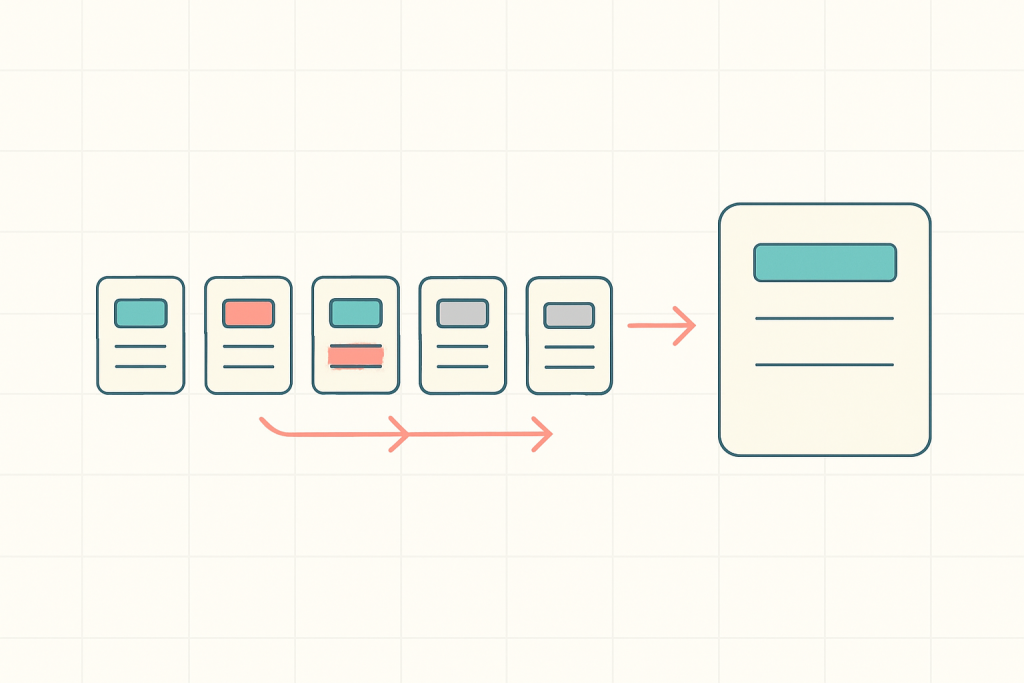
Excel SWITCH function replaces messy nested IF formulas with a clean value-result mapping. Walk through the migration and when to use IFS instead.

Extract text before or after any delimiter in Excel using TEXTBEFORE and TEXTAFTER — plus safe patterns for emails, URLs, and messy log data.

Google Sheets IFERROR wraps a formula and swaps errors for a fallback — but it hides real bugs. Learn when to use IFERROR vs IFNA, and when not to.

VSTACK and HSTACK combine ranges in Excel without copy-paste. See how to consolidate sheets, dodge #N/A padding, and chain UNIQUE — read on.

Master Google Sheets SPARKLINE to build inline mini charts inside a single cell. Options by chart type, common errors, and when to switch to a full chart.

Excel LAMBDA turns a duplicated formula into a named function you can call from anywhere. Learn the syntax, the traps, and how to save one — read on.

Excel #SPILL! error in a dynamic array formula? Here are the six causes and the exact fix for each, from blocked cells to full-column lookups.