

Excel GROUPBY function: a pivot table alternative
Excel GROUPBY turns a pivot table into a single formula that updates with the source. See when to use it, the eight arguments, and common errors.
Excel GROUPBY turns a pivot table into a single formula that updates with the source. See when to use it, the eight arguments, and common errors.

Excel Goal Seek reverse-solves any formula so a target value matches what you want. Step-by-step setup, common errors, and the PMT trap. Read on.

Use Excel SUMPRODUCT to count and sum with multiple criteria, including AND/OR logic and weighted averages — without Ctrl+Shift+Enter. Read on.

Google Sheets FILTER with multiple conditions: AND, OR, REGEXMATCH partial match, dropdown-driven criteria, and the empty-result fix. See the patterns.

Excel LET function lets you name a value once and reuse it through a formula — faster recalcs, cleaner code reviews. See the refactor patterns inside.

Google Sheets dropdown chips replace plain validation lists with colored pills. Add them, color the values, convert a whole column, then read on.

Build arrays inline with curly braces in Google Sheets — stack ranges, fix locale errors, feed FILTER or QUERY. Read the patterns that save real time.
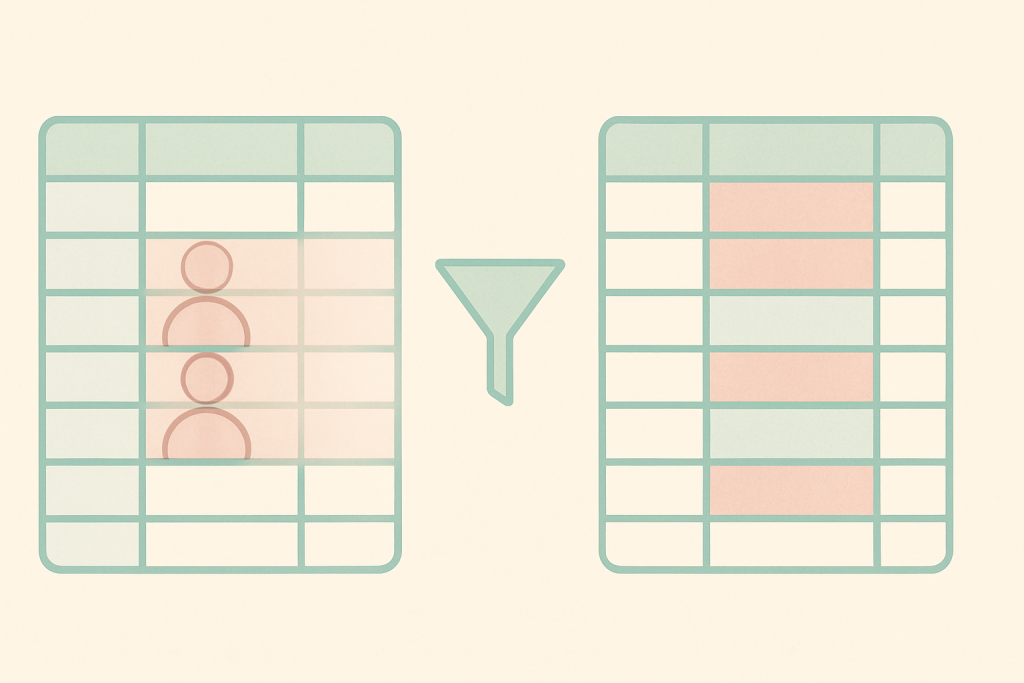
Excel remove duplicates vs UNIQUE function: which handles blanks, case, edge cases, and large data better, and when each one is the right pick. Read on.

Excel freeze panes locks one fixed strip; split window opens two scrollable views. Here’s when to pick each and the gotchas guides skip. Read on.

IMPORTHTML in Google Sheets pulls a table or list straight from a URL. See the syntax, the index trick, QUERY slicing, and why some pages just won’t load.

An Excel waterfall chart turns a P&L into a visual cumulative trail. Get the data layout, the Set as total clicks, and the floating-bar fix below.

Google Sheets named functions wrap long formulas behind one call. Build, debug, import, and know when a helper column wins instead. Read on.