

How to Collaborate Effectively in Google Sheets: Tools and Best Practices
Collaborate in Google Sheets without overwriting each other: set permissions, protect ranges, use comments and version history, and assign tab ownership.
Collaborate in Google Sheets without overwriting each other: set permissions, protect ranges, use comments and version history, and assign tab ownership.
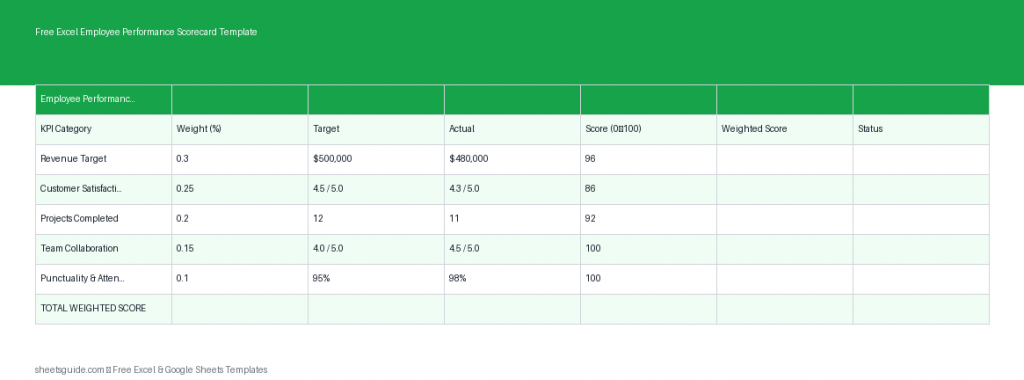
Download this Excel template to evaluate employee performance using weighted KPIs, targets, and automated scoring.

Five Excel templates that run a small project without dedicated software — a task tracker, Gantt timeline, budget, status dashboard, and risk log, with build guides for each.
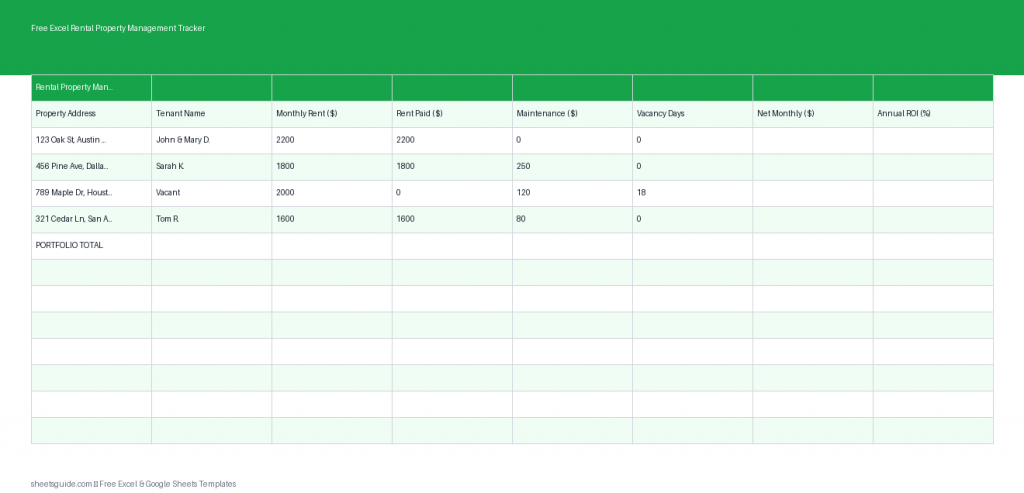
Manage rentals easily with this free Excel template to track rent, maintenance, vacancies, and ROI in one place.

The dozen Excel formulas that cover 90% of real work — SUM, IF, SUMIF, VLOOKUP and XLOOKUP, text and date functions, plus absolute references and IFERROR.
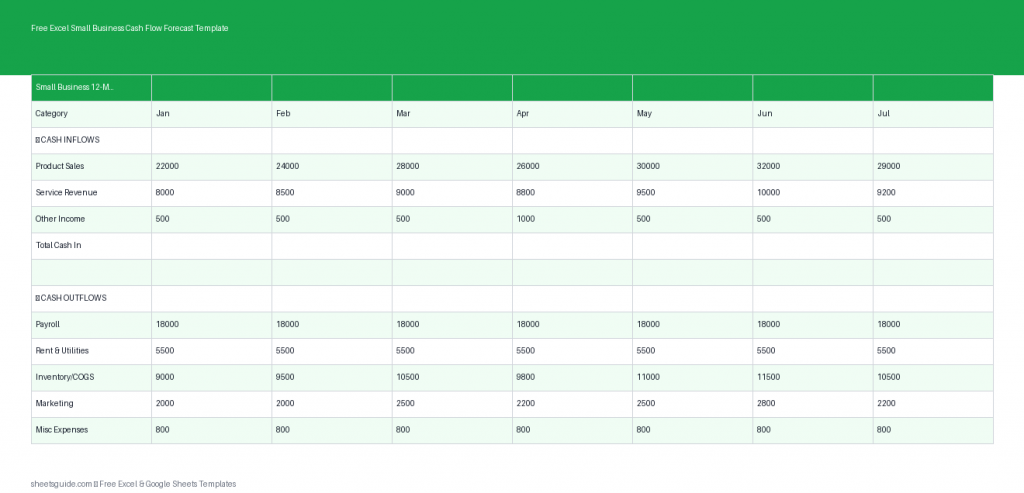
Plan your finances with this free Excel template for 12-month small business cash flow forecasting.

Build a budget in Google Sheets that maintains itself — a transaction log plus a SUMIF summary, budget-vs-actual, overspend coloring, and month-over-month tracking.
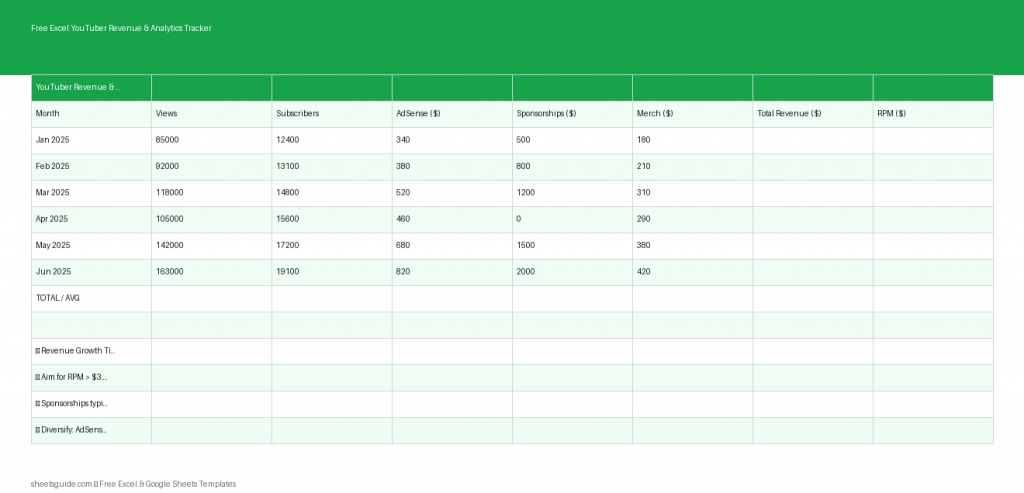
Track YouTube income and growth with this free Excel template for revenue, views, RPM, and monthly totals.

Build a sales tracker in Google Sheets without a CRM: a deal log, weighted-forecast and win-rate formulas, a live dashboard, and flags for stale deals.
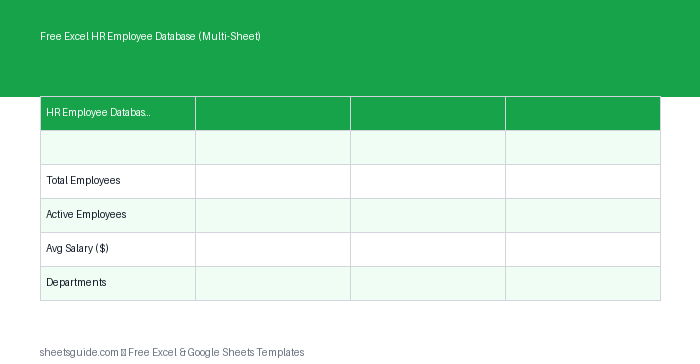
Download this Excel template to manage employee records across multiple sheets with summaries and department reports.

Use VLOOKUP effectively in Excel — the four arguments, why you always end with FALSE, locking the table, cross-sheet lookups, IFERROR, and when to switch to XLOOKUP.
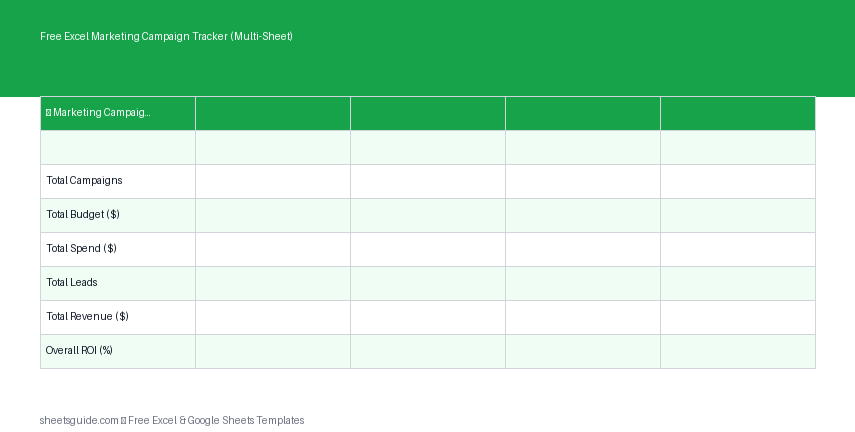
Track campaigns, budgets, and ROI with this free Excel template that also works in Google Sheets.